:format(webp))
:format(webp))
The 2026 TCS New York City Marathon falls on Sunday, November 1, 2026, and it is no ordinary edition. This is the 55th running of the race and the 50th anniversary of the historic 5-borough course, so expect big crowds, heavy media coverage and a lot of people trying to use their phones at once.
If you are flying in from Europe to run, or to cheer someone on, this guide covers what you actually need: start times, how to track your runner, where to watch, how to get around, and how to stay connected without a nasty roaming bill.

The course starts on Staten Island at the Verrazzano-Narrows Bridge, cuts through Brooklyn, Queens, the Bronx and Manhattan, and finishes in Central Park. That is five boroughs and 26.2 miles.
Always confirm times during race week, as the NYRR may adjust them:
| Wave | Approximate start (ET) |
|---|---|
| Pro women | ~8:35 a.m. |
| Pro men | ~9:05 a.m. |
| Mass waves begin | ~9:10 a.m. |
| Last wave | ~11:30 a.m. |
Early November mornings in New York are cold, often near or below freezing at the start, with temperatures typically between 3°C and 12°C. Dress accordingly, and protect your phone battery too (more on that below).
The official TCS NYC Marathon app is your main tool. Search for your runner by name or bib number, add them to your tracker, and you get live updates on the course, including 5K splits. The app is available on the App Store and Google Play.
- Download the app and add your runner's bib number the night before, on hotel Wi-Fi.
- Screenshot the tracking page and your agreed meeting point.
- Prefer not to install anything? NYRR also offers a web-based tracker where you can search for a runner, which you can find via the official spectator guide.
- Agree in advance where on the course you will be, including the intersection and the side of the street. It is much easier for a runner to spot you than the other way round.
Imagine you are on Fifth Avenue near mile 23, tracking your runner's pace and planning to meet at a gate in Central Park after the finish. This is exactly when a weak connection hurts, which is why the connectivity section below matters.
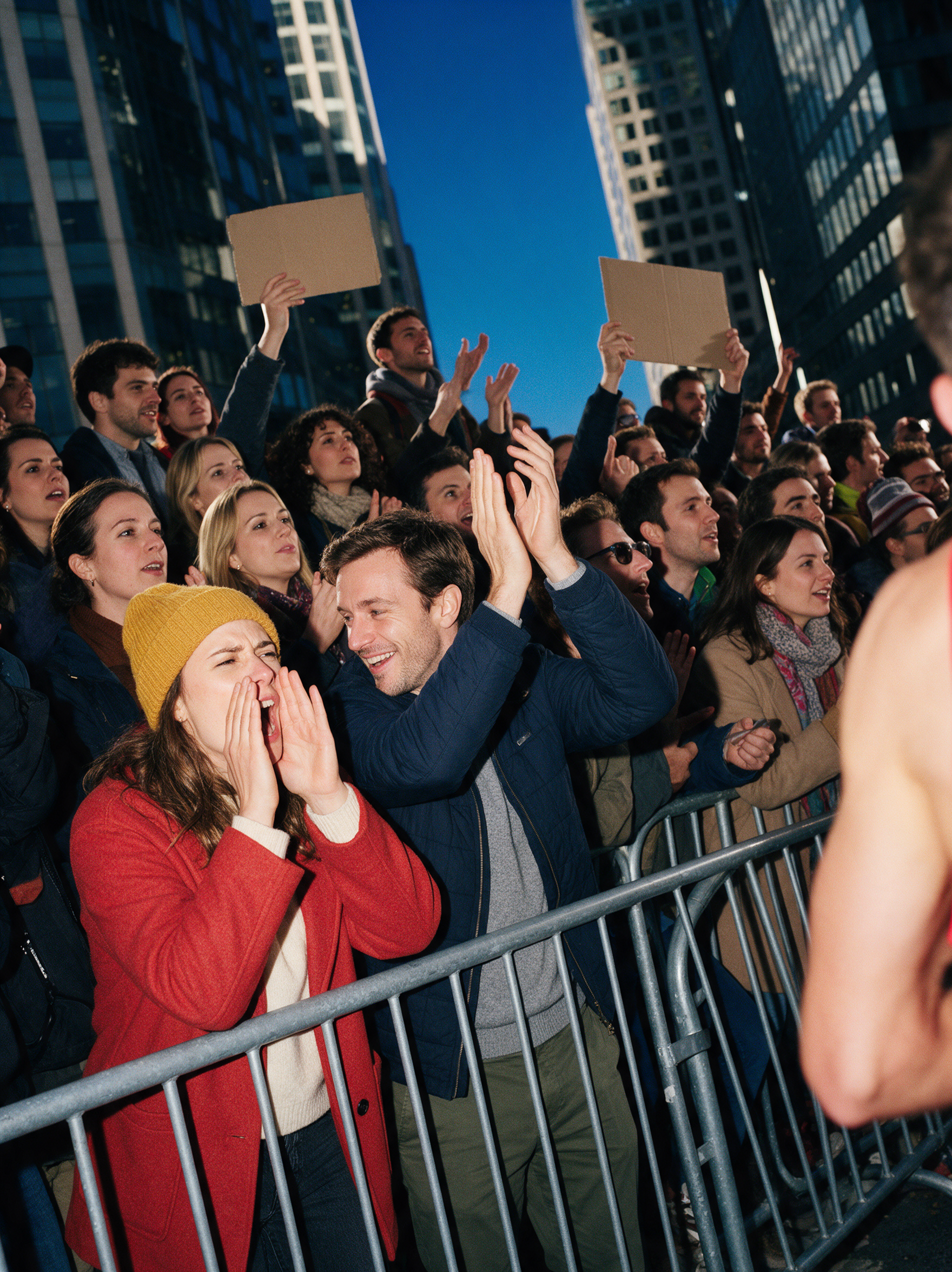
Unfortunately, spectators cannot gather on Staten Island at the start, so you will not be able to watch the runners cross the Verrazzano-Narrows Bridge. The smartest strategy is to pick two or three spots further along the course and map your transit between them the night before. These are the spots most often recommended by spectator guides and local media (mile markers are approximate):
- Fort Greene, Brooklyn (around mile 8): Easy to reach by subway via Atlantic Terminal, and close enough to Central Park that you can still make it to the finish to meet your runner.
- Williamsburg and Greenpoint, Brooklyn (miles 10 to 12): A lively stretch with big neighbourhood crowds.
- Long Island City, Queens (around mile 13): Just past the halfway point and the Pulaski Bridge, which is closed to spectators, so watch from the Queens side. Crowds tend to be calmer than in Manhattan, and runners appreciate the boost before the Queensboro Bridge.
- First Avenue, Manhattan (miles 16 to 18): Famous for packed sidewalks and loud support. In recent years New Balance has hosted a Mile 16 block party at First Avenue and 62nd Street, so check whether it returns in 2026.
- Mott Haven and the Willis Avenue Bridge, the Bronx (around mile 20): Runners often hit "the wall" here, so your cheering counts for a lot.
- Central Park, Manhattan (the finish): The standing spectator area runs from Columbus Circle to the south end of the grandstands. Access points include Broadway at West 61st or 62nd Street, and access can be limited at times based on capacity. Grandstand seats need tickets bought in advance.
Practical tips:
- Choose spots along the subway lines that stay open, since several stations near the course close on race morning and buses are rerouted.
- Check the MTA's service alerts before you leave, and keep the MTA app or Google Maps running in real time to adapt.
- Expect the finish area in Central Park to be enormous and crowded. Agree on a numbered gate or landmark as a meeting point before the race, not after.

Connectivity runs through your whole week: the tracking app, transit navigation and meeting-point messages all need data. On race day, tens of thousands of spectators are tracking, messaging, posting and navigating in the same few blocks, so networks can be busy. Here is an honest picture of your options when visiting from Europe.
| Option | Cost | Setup | Race-day reality |
|---|---|---|---|
| Home carrier roaming | High (often €10–15/day) | Zero effort | Daily fees; can be throttled or capped mid-day |
| Local prepaid SIM | Low | Queue at a store, need ID, swap physical card | Works well once set up |
| Airport or public Wi-Fi | Free | None | Useless on the course, and a security risk |
| Travel eSIM (e.g. Kolet) | Moderate, fixed price | Install at home on Wi-Fi, activate on landing | No daily fee, no mid-day cap, full speed until your data runs out |
What an eSIM does and doesn't do. A travel eSIM still connects through US mobile networks, so it does not make a busy cell tower disappear. What it does give you, compared with home-carrier roaming:
- A fixed, known price, with no daily fees
- No throttling or fair-use cap partway through the day
- Setup at home, so there is no scramble at JFK after a transatlantic flight
- Dual-SIM use, so your home number still receives calls and texts
Multi-network switching is the real answer to a crowded cell. Kolet's eSIM for the USA can connect to T-Mobile, AT&T and Verizon. It switches automatically to the best available network, or you can choose a network manually if you prefer. If one network is saturated near the course, you are not stuck on it.
Kolet's Standard Plans for the USA give you full-speed data until the very last megabyte, with no throttling and no fair-use cap, and 30-day validity from first use. For Air France and KLM travellers there is an extra reason to choose Kolet: it is the only travel eSIM that earns Flying Blue Miles, at 10 Miles per euro spent on all Kolet data plans, provided you link your Flying Blue account in the app before purchasing.
Kolet is also B Corp certified, with a score of 99.7/200 as of January 2026, well above the 80 points required for certification. Holafly, Airalo and Saily are not B Corp certified. If that matters to you, the choice is straightforward.
These are estimates. Your usage will vary with how much you stream and post.
| Profile | Scenario | Estimated data |
|---|---|---|
| Light | Tracking app + maps + messaging | 1–2 GB for race week |
| Standard | Above + video calls + casual social | 3–5 GB for race week |
| Heavy | Above + reels, stories, photo uploads | 8–10 GB for race week |
The short version: a 5 GB plan covers most visitors comfortably for a long race weekend. A 10 GB plan gives you headroom if you are shooting video or making frequent video calls, and is the minimum if you are staying a full week.
Tracking apps and GPS are not data-heavy on their own, roughly 20–50 MB per hour. The big consumers are social uploads and video calls, so budget generously if you plan to go live on Instagram from the finish line.
Kolet Standard Plans for the USA start at €3.99 / $3.99 for 1 GB, with 5 GB at €14.99 / $16.49, 10 GB at €19.99 / $21.99 and 20 GB at €29.99 / $33.49. All plans include 30 days of validity from first connection, and unused data at expiry converts to Koins, so nothing is wasted.

This takes about five minutes and saves you a lot of stress on arrival day.
1. Check compatibility. Your phone needs to be eSIM-capable and carrier-unlocked. Most iPhones from the XS (2018) onwards, Samsung Galaxy S20 and later, and Google Pixel 3 and later support eSIM. Check Kolet's compatibility page if unsure.
2. Buy your plan at home on Wi-Fi. Browse to the Kolet app or website, select the USA plan that fits your trip, and complete the purchase. If you have a Flying Blue number, link it in the app before you buy (Profile → Promo Codes and Rewards → Loyalty Program and Miles → Flying Blue) so your Miles are credited.
3. Install the eSIM profile. This happens over Wi-Fi at home. The eSIM sits on your phone, ready to go. Data does not start counting until you connect at your destination.
4. Keep your home SIM in the phone. Dual SIM means your existing number stays active for calls and texts. You are not replacing anything. You are adding a layer.
5. Land, switch on mobile data, and go. Your Kolet US connection activates the moment you use your first megabyte. No store. No queue. No counter at JFK.
6. Pre-load the marathon app on Wi-Fi. Open the TCS NYC Marathon app, enter your runner's bib number, and save their profile. Do this at the hotel before race morning, not while standing in a crowd at mile 16.
For runners: The morning is early and cold. Save the group chat location at the start village on Staten Island before you leave the hotel. Make sure your supporters have added your bib number in the TCS NYC Marathon app so they can follow you without burning their battery trying to call. Keep your phone in a zip-lock bag inside your kit if rain is forecast; early November can be unpredictable.
Post-race, the finish area in Central Park is enormous and crowded. Agree on a numbered gate or landmark as a meeting point before the race, not after, and make sure you have a working connection to text when you find each other.
For spectators: Pick two or three viewing spots, map your transit route the night before using the MTA's service alerts, and use a live data connection to adapt in real time. It is the difference between a smooth day and a two-kilometre walk you did not plan.
A practical checklist for race morning:
- TCS NYC Marathon app installed and runner saved
- Offline map of your viewing neighbourhoods downloaded (including Central Park)
- MTA app open for live service alerts
- Meeting point screenshot saved to camera roll
- Power bank charged and in your bag
- eSIM active and data confirmed working
Early November in New York is colder than most European visitors expect, with temperatures often between 3°C and 12°C at race start. Cold kills phone batteries faster than almost anything else. Keep your phone in an inside pocket close to your body when you are not using it.
Bring a power bank. A 10,000 mAh unit covers most modern smartphones twice over and fits in any bag. If you are running the race, check whether you can hand your phone to a supporter at the start or whether you plan to carry it in your belt.
One backup that costs nothing: before you leave the hotel on race morning, take a screenshot of your runner's name and bib number, your meeting-point plan, and the transit route back to your accommodation. If your battery dies and your phone goes dark, you still have a plan.
What time does the NYC Marathon start in 2026? The race is on Sunday, November 1, 2026. The pro women start at about 8:35 a.m. ET, the pro men at about 9:05 a.m., and the mass waves begin at about 9:10 a.m., with the last wave around 11:30 a.m. Confirm the final schedule with NYRR during race week.
How do I track a runner at the NYC Marathon? Use the official TCS NYC Marathon app: search for your runner by name or bib number and add them to your tracker. Do this the night before on Wi-Fi.
Can I track a runner without the app? Yes. NYRR also offers a web-based tracker where you can search for a runner by name or bib number.
Can I watch the start of the NYC Marathon on the Verrazzano-Narrows Bridge? No. Spectators cannot gather on Staten Island, so head to Brooklyn or further along the course instead.
Do I need an eSIM, or can I just use roaming? Roaming works if your home plan includes US data, but daily fees and mid-day throttling or caps are common. A USA eSIM gives you a fixed price and no daily fees, and you can keep your home number active in dual-SIM mode.